





The way to get your invoice or receipt depends on where you purchased your KIRI Engine subscription.
If you purchased through the App Store (iOS/macOS)
If you purchased KIRI Engine through the App Store, your payment is processed by Apple. Apple usually sends a purchase receipt to the email address associated with your Apple Account.
You can also view your purchase history at reportaproblem.apple.com or on your device through the App Store:
App Store > Account > Purchase History
For billing records, receipts, refunds, or further assistance, please contact Apple Support directly.
If you purchased through Google Play (Android)
If you purchased KIRI Engine through Google Play, your payment is processed by Google. Google usually sends a purchase receipt to the email address associated with your Google Account.
You can also view your purchase history at payments.google.com.
If you are based in the European Economic Area (EEA) or Morocco, you may be eligible to download a VAT invoice or VAT receipt for your Google Play purchase:
- Go to payments.google.com
- Click Activity
- Select the KIRI Engine transaction
- At the bottom of the transaction details, click Download VAT Invoice or Download VAT Receipt
For billing records, receipts, VAT invoices, refunds, or further assistance, please refer to Google’s support page or contact Google Support directly.
If you purchased on the KIRI Engine website
If you purchased your subscription on the KIRI Engine website, you will receive a confirmation email after your purchase. The email includes a link to download your invoice.
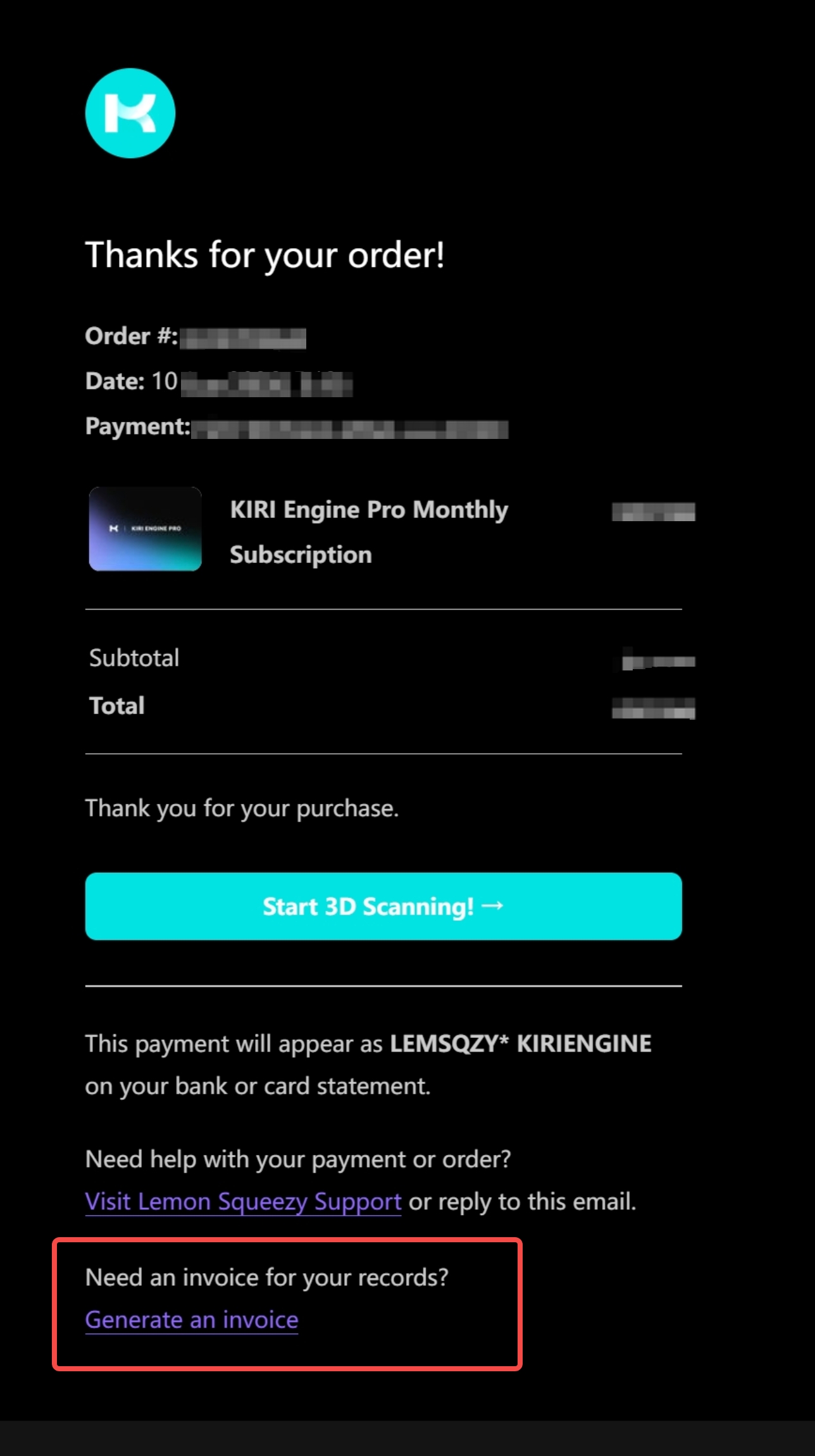
After clicking the invoice download link, please enter the email address you used when purchasing KIRI Pro to access and download your invoice.
If you did not receive the email, please check your spam or junk folder. If you still cannot find it, please contact us at contact@kiri-innov.com.


